Coupons for Reservations
Users can issue coupons like a discount for food and beverage or a coupon to use the spa and so on, to guests during their stay at the property. Coupons are issued for all the guests and for all the nights. For example, if there are two Adults and one Child in the reservation and the reservation is for three nights, nine coupons can be printed. Each guest will have three coupons. The following steps must be performed to issue a coupon for a reservation:
Navigate to a reservation.
Scroll down to the Print/Email/SMS section of the reservation.
Click Print Coupons. The Print Coupons pop-up screen is displayed.
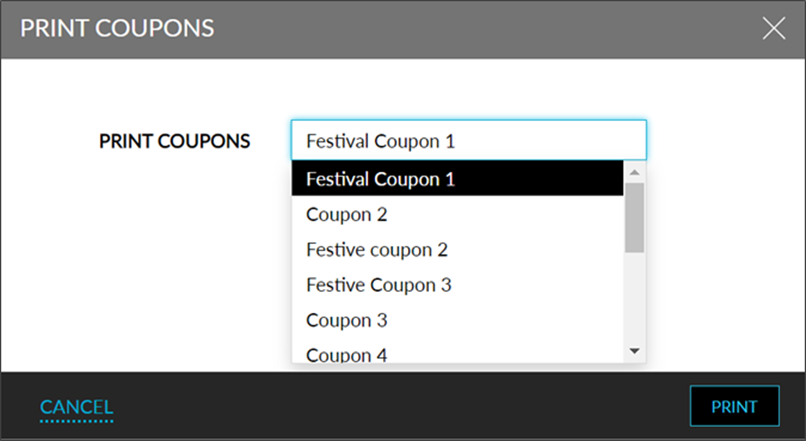
Select the required coupon.
Click Print. The selected coupon can be printed for all the guests and for all days in the reservation.
Refer to the Coupons section under Templates to create and edit new coupons.